
Create a Crypto Payment Link: Stunning, Effortless Guide
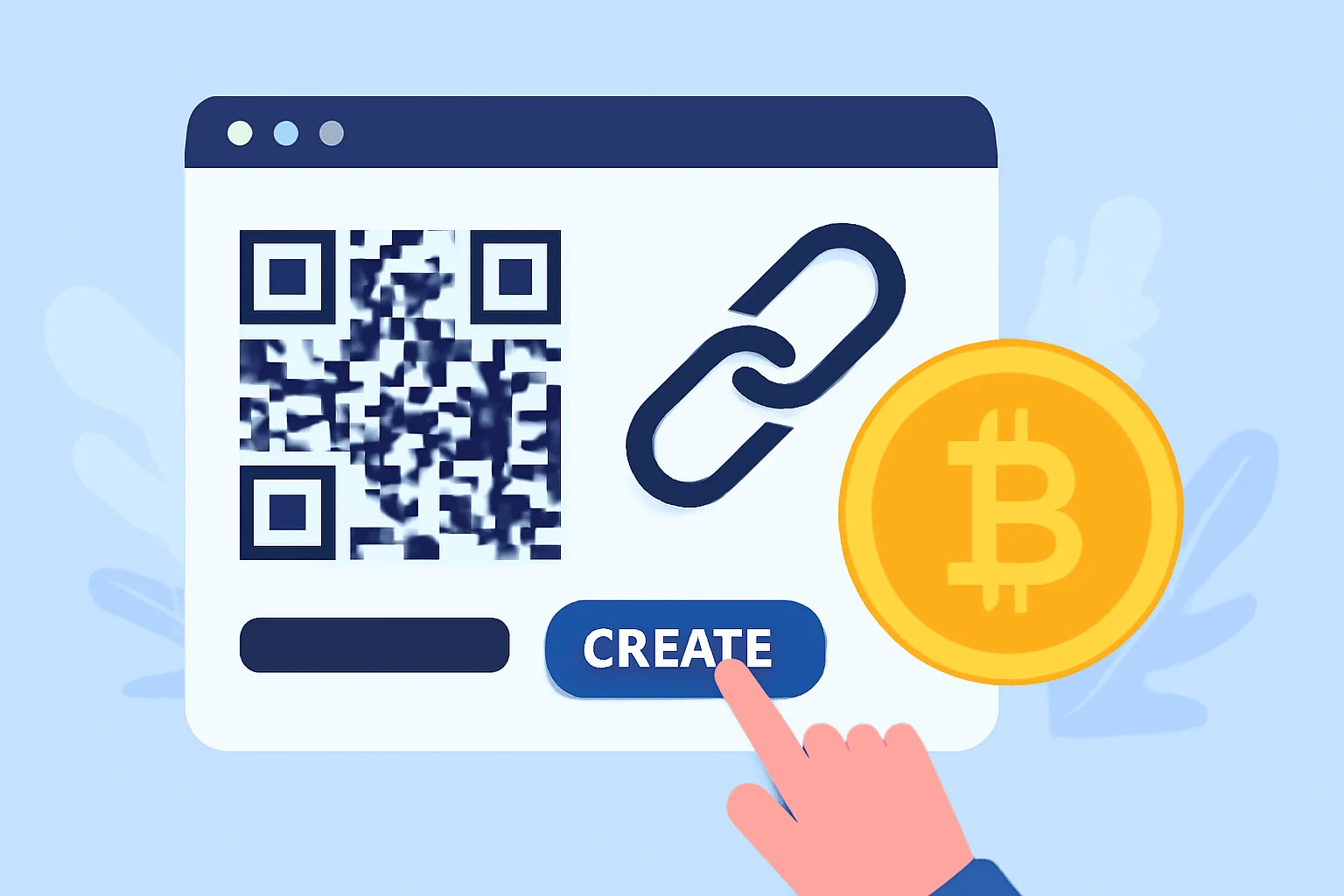

What is a crypto payment link?
A create crypto payment link is a URL or QR code that encodes what to pay, where to pay it, and sometimes why. At minimum, it includes the recipient address and the network. Some formats also embed the amount, token, and a memo or order ID. When a payer opens the link in a compatible wallet, the transaction fields auto-fill so they only review and confirm.
Why use payment links instead of raw addresses
Copying long hexadecimal addresses invites mistakes. Payment links reduce that risk and accelerate checkout. They also let you standardize payment requests across channels—Telegram, email signatures, PDF invoices—without rewriting instructions every time.
- Lower error rate: auto-filled amount and network cut mis-sends.
- Faster payer flow: one tap from link to confirmation.
- Cleaner records: embed memo or invoice ID for reconciliation.
- Easier support: if something fails, you can regenerate the same request.
Consider a small design studio billing 0.08 ETH per logo. Instead of DM’ing an address and amount, the studio drops a link that opens the client’s wallet with the fields set. The client pays in under a minute, and the studio’s invoice ID shows up in the memo on-chain.
Two ways to create a crypto payment link
You can generate links with a self-hosted format that works directly in wallets, or use a payment processor that wraps extra features like fiat pricing and email notifications. The choice depends on whether you need simplicity or business tooling.
- Wallet-native links (e.g., Ethereum, Bitcoin, Solana deep links).
- Processor-based links (e.g., Coinbase Commerce, BTCPay Server, Strike, NowPayments, PayJoin-capable tools for BTC).
Both approaches are valid. Wallet-native links are fast and free to create. Processor links add automatic conversion, multi-currency checkout, and webhooks for your backend.
Create a wallet-native payment link (no third party)
This route uses standard URI schemes. You build a URL that wallets recognize, then share it by message or embed it as a QR. It’s ideal for quick one-off requests or simple invoices.
- Pick the chain and token. Decide the network and asset your payer will use (e.g., Bitcoin on mainnet, ETH on Ethereum, USDT on Tron or Ethereum).
- Use the correct URI format. Each chain has its own scheme and parameter names.
- Encode amount and optional fields. Keep decimals and symbols precise, and URL-encode notes.
- Test in at least two wallets. Open on mobile and desktop, and confirm the pre-filled details.
- Share the link plus a QR. Always include a plain-text fallback with token and chain in parentheses.
Once you validate the flow, you can reuse the pattern for future requests. For recurring amounts, create a template and only swap the memo or order ID.
Common URI formats by chain
The table below shows concise examples. Replace values with your address and amount. For notes, URL-encode spaces and special characters (e.g., %20 for space).
| Chain/Asset | Scheme | Example | Notes |
|---|---|---|---|
| Bitcoin (BTC) | bitcoin: | bitcoin:bc1qexample?amount=0.015&label=Invoice%201234&message=Design%20retainer | amount in BTC; label/message optional |
| Ethereum (ETH) | ethereum: | ethereum:0xABCD…1234?value=0.08e18 | value in wei; some wallets accept eth=0.08 |
| EVM token (USDC) | ethereum: | ethereum:0xToken?address=0xYourAddr&uint256=80000000 | Calls transfer(address,uint256); amount in token decimals |
| Tron (USDT-TRC20) | tron: | tron:TYourAddr?token=USDT&amount=125.50 | Wallet support varies; confirm in-app |
| Solana (SOL) | solana: | solana:YourPubkey?amount=0.9&reference=INV-4589 | amount in SOL; reference optional |
| Lightning (BTC) | lightning: | lightning:lnbc1500n1p… (BOLT11 invoice) | Invoice encodes amount/expiry |
Wallet support differs by app version. Always tap-test the link on the same platform your payer will use. If a wallet ignores a parameter, include those details in the accompanying message as a backup.
Build a processor-based payment link
Payment processors generate hosted checkout pages with currency conversion and status tracking. They’re a better fit for teams issuing frequent invoices or subscriptions.
- Open a merchant account with a processor that supports your assets and countries. Complete KYC if required.
- Create a product or payment request. Set fiat price (e.g., $250) or crypto amount, add a description, and choose supported chains.
- Generate a hosted link. Most platforms produce a URL and QR code you can paste into invoices or emails.
- Enable webhooks or email notifications. Route “payment confirmed” events to your billing system or inbox.
- Test with a small transaction. Verify rate locks, network fees, and confirmation thresholds.
With these links, the payer picks a coin at checkout. The page shows a timer, a fresh address, and the exact amount. When funds confirm, you both get status updates without manual follow-up.
Best practices for reliable payment links
Small choices—like how you state the network—prevent costly errors. Treat each link as a miniature contract: clear, unambiguous, and verifiable.
- State chain and token explicitly: “USDT (TRON/TRC20)” beats “USDT.”
- Include an order ID in memo/label/reference to match payments later.
- Prefer stablecoins for fiat-priced invoices if you want low volatility.
- Lock-in amounts for a limited time if using processors with rate windows.
- Add a short expiry for Lightning invoices to prevent stale payments.
- Provide a fallback: your address in plain text plus the link/QR.
- Test decimals: some wallets round; use whole-number cents in tokens with 6 decimals (e.g., USDC).
For example, a tutor charging 35 USDC on Polygon sets amount=35, network=Polygon, and memo=STU-44021. If a student pays late, the tutor issues a fresh link to avoid confusion with old memos.
Turning links into QR codes
QRs are handy for in-person payments or printed invoices. Most wallet apps scan and open the encoded link straight into the send screen.
- Use a reputable QR generator that supports long URLs and UTF-8.
- Set error correction to at least “M.” Payment pages often include parameters; you want resilience.
- Test the QR from two angles and distances. Glare and tiny modules cause scanning failures.
Always print the short URL or address beneath the QR. If the code smears or low-resolution printers are used, the fallback saves the day.
Security and compliance checkpoints
Payment links don’t replace basic hygiene. Keep private keys offline, and don’t paste seed phrases anywhere near invoicing tools. On the compliance side, know your local rules for invoicing, VAT/GST, and record-keeping.
- Use separate receiving wallets for business and personal funds.
- Verify addresses with test amounts for new counterparties.
- Keep logs: link issued, amount, timestamp, payer, and on-chain tx hash.
- If you convert to fiat, document rates and fees for accounting.
This discipline pays off when reconciling quarter-end statements. A clean trail from link to transaction hash makes auditing painless.
Troubleshooting common hiccups
Payment links can fail from mismatched networks or strict wallet parsing. A short checklist fixes most issues in minutes.
- Link opens but fields are empty: the wallet may not support the parameter. Include a note with amount and network.
- “Insufficient funds” despite balance: token is on a different network than the link specifies.
- Lightning invoice expired: generate a new invoice; old ones won’t settle.
- Stablecoin decimals off: confirm token decimals (USDC 6, USDT varies by chain) and recalc amount.
- Processor page shows underpaid: some wallets subtract fees from the send amount; ask payer to toggle “pay fees separately.”
If a payment underfunds, provide a second link for the difference and reference the original memo so both amounts reconcile to one invoice.
Quick templates you can copy
Use these as starting points, then swap your address, amounts, and notes. Test before sending to clients.
- Bitcoin: bitcoin:bc1qYOUR?amount=0.0125&label=INV-2024-118&message=Consulting%20Hour
- Ethereum (ETH): ethereum:0xYOUR?value=0.05e18
- USDC on Ethereum (token transfer): ethereum:0xA0b86991c6218b36c1d19d4a2e9eb0ce3606eb48?address=0xYOUR&uint256=35000000
- Solana: solana:YOURPUBKEY?amount=25&reference=INV-3412
- Lightning: lightning:lnbc2500000n1p… (10-minute expiry)
When possible, include a human sentence alongside the link: “Please pay 25 USDC on Ethereum to 0xYour… for INV-3412.” If the wallet ignores a parameter, your note keeps the payer on track.
From link to smooth payments
A well-formed crypto payment link saves both sides time and prevents typos. Start simple with wallet-native links, or choose a processor when you need extras like fiat pricing and webhooks. Add clear notes, test in the payer’s wallet, and keep tidy records. Do that, and your next invoice becomes a one-click confirmation instead of a support thread.